“What exactly am I paying for?”
The message says “please send the payment,” but the work, amount, or timing is not written clearly.
For Filipinos living abroad
May nag-request ng payment? This simple guide and Google Sheets-ready template helps you write down what it is for, what you received, and what is still missing.
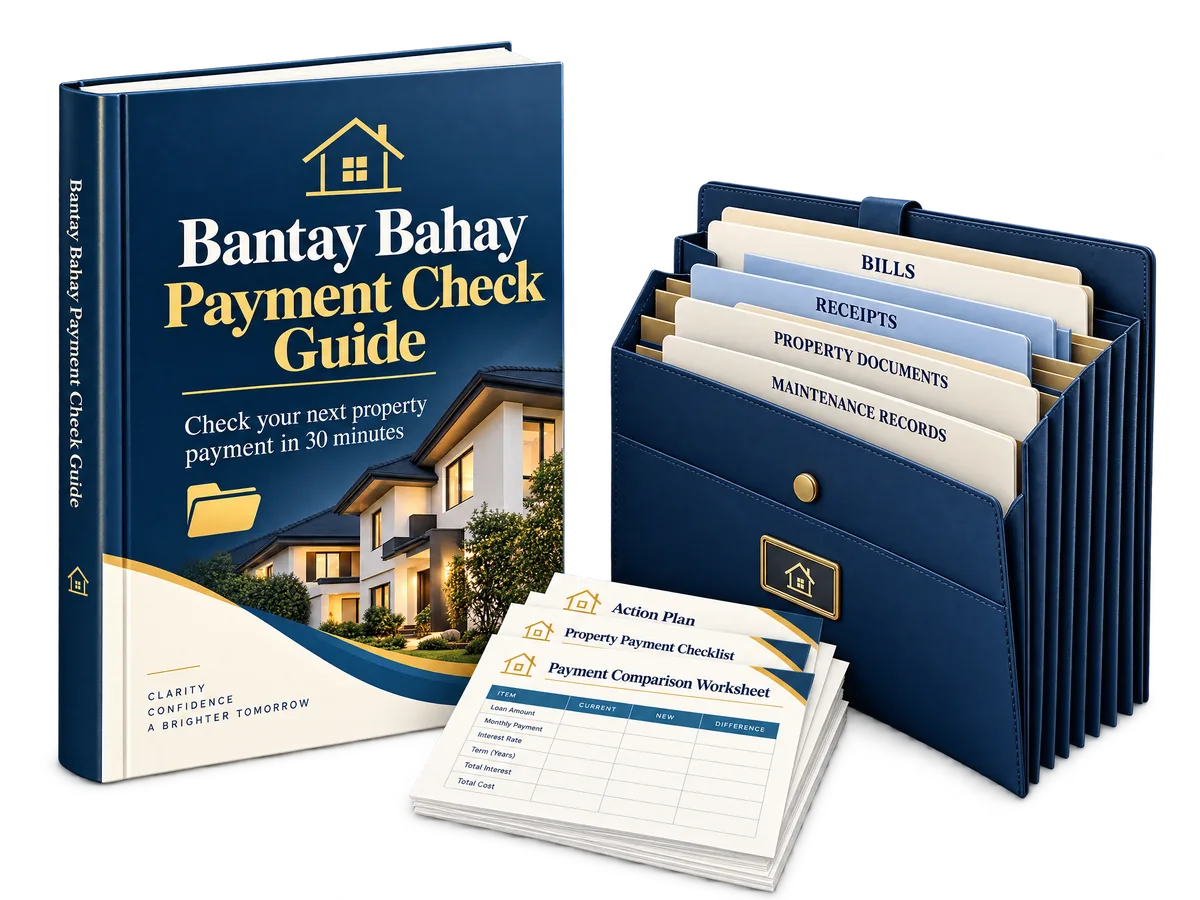 Get instant access for US$7
One simple digital download. Use it in Google Sheets or Excel. Print a paper copy if you want one.
Sound familiar?
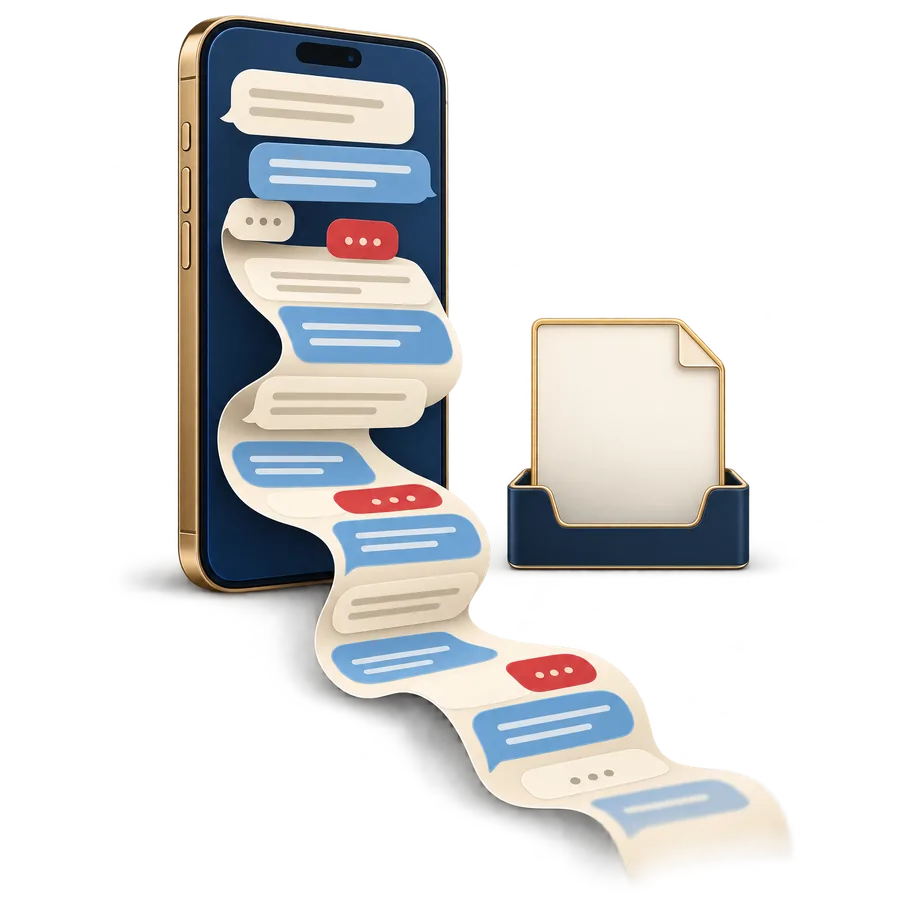
When you live far away, one payment request can arrive through Messenger, WhatsApp, Viber, email, photos, calls, and different people. After a while, madaling makalimutan what each payment is for and what information you already received.

The message says “please send the payment,” but the work, amount, or timing is not written clearly.
The amount or request is different from before, but the change is buried in a chat thread.
You have a photo or a message, but you are not sure whether you also need a bill, written answer, or expert review.

A calmer way to check
Bantay Bahay does not make the payment decision for you. It gives you a simple place to collect the details before you decide what to do next.

Record the property, amount, deadline, and what the payment is for.
List the bills, price papers, photos, videos, and messages you have.
Write the next clear question instead of trying to remember it later.
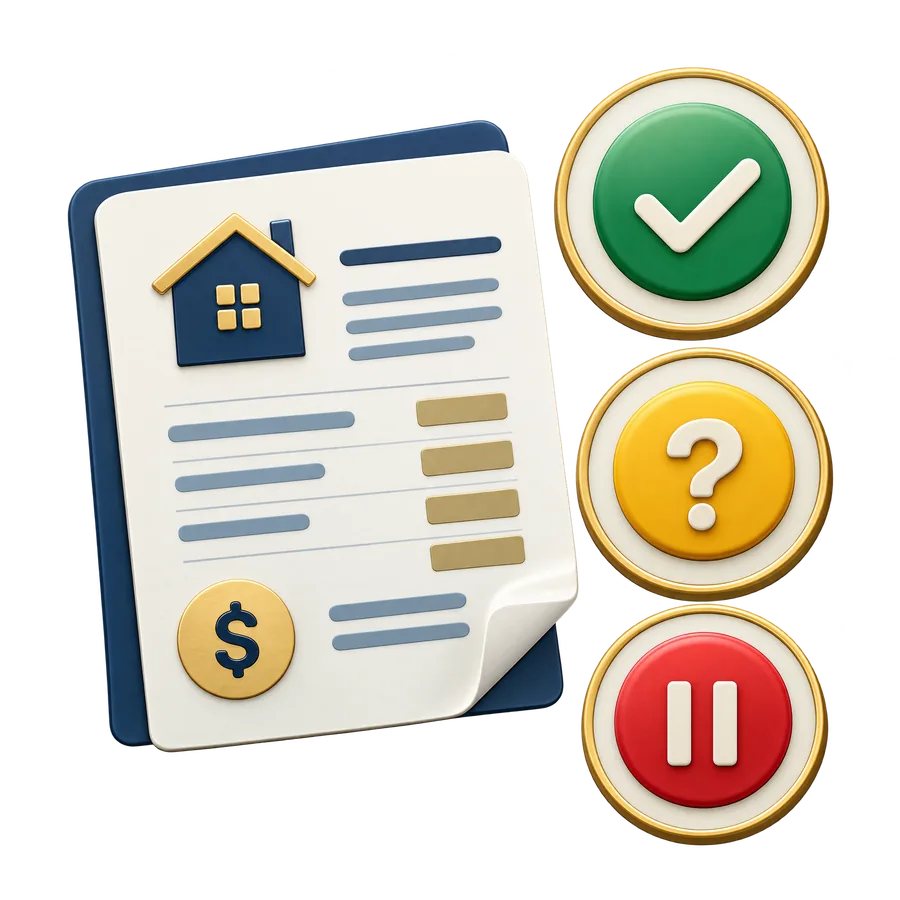
Green means ready to look at, Yellow means more information, Red means ask an expert.
Use one of the ready-made messages for a relative, worker, seller, or professional.

Inside your download
Plain instructions from the first request to the finished saved copy.
Type only in the yellow boxes. Choose simple answers. No formulas needed.
Ask for more information, ask what the payment covers, wait before paying, or ask an expert.
Keep payment requests, price papers, bills, photos, videos, messages, and expert help in order.
Print the finished check and keep the matching papers in an envelope or expanding folder.
The simple process
Save the request. Put the message and related files in the property folder.
Fill in the details. Write the amount, deadline, and purpose.
Answer five questions. What is it for, what did you receive, what changed, and what is missing?
Choose a color. Green, Yellow, or Red shows what kind of next step you need.
Send one message. Ask the next clear question without sounding confused or accusatory.
Save the finished copy. Keep it with the related bills, photos, and messages.
Digital plus paper

Make one folder for the property, then add folders for payment requests, price papers and bills, photos and videos, messages, and expert help.
If you want a physical backup, print the finished payment check and keep it with the matching papers in an envelope or expanding folder. The paper copy is optional. Keep the digital photos, videos, receipts, and messages too.

Made for real life

Get the complete guide
Get the guide, the Google Sheets-ready template, the messages to copy, the folder plan, and the optional print backup method.

Digital download. No subscription. Use it in Google Sheets or Excel.
Questions before you buy
No. Type in the yellow boxes and choose simple answers. The guide shows you what to do.
Yes. Upload the included file to Google Drive, choose Open with Google Sheets, then make your own copy before filling it in.
Yes. Print the finished payment check and keep it with the matching papers in a simple physical folder. Keep your digital files too.
No. It helps you put the information together. You make the final decision, or ask the right expert when the question needs professional help.
Yes. The messages are written so you can copy and send them through Messenger, WhatsApp, Viber, email, or your usual app.
Yellow means you need more information before you continue the review. It does not prove that something is wrong.
Simple lang
Start with the next payment request, not the whole property history.
Get Bantay Bahay for US$7Bantay Bahay is an educational organization tool. It does not verify any property, person, worker, company, paper, payment, or project. It does not provide legal, financial, property, building, tax, loan, inspection, investment, or other professional advice.